**ガウス・スプラッティング ― 3つのアプローチ**
## Japanese Translation:
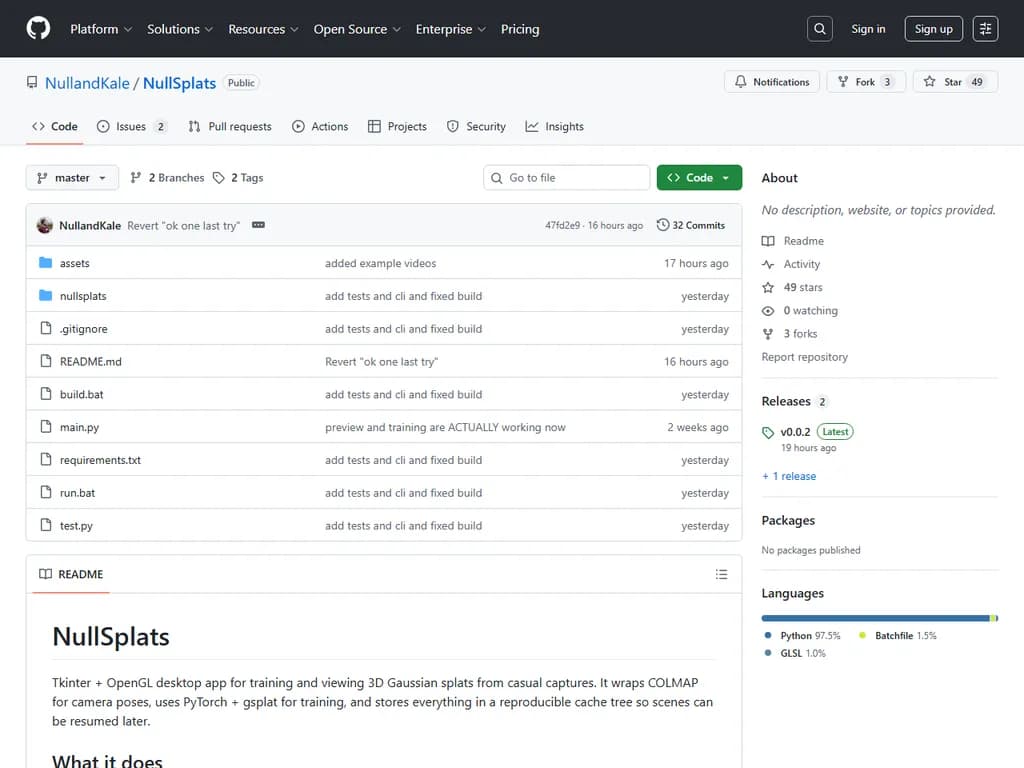
NullSplatsはTkinterベースのデスクトップアプリケーションで、ユーザーがカジュアルな動画や画像コレクションから3Dガウススプラットモデルを訓練・表示できるようにします。ワークフローはビデオまたは画像フォルダーをインポートすることから始まり、アプリは自動でフレームを選択し、COLMAP SfMを実行してカメラ姿勢とスパースポイントを回復させ、その後PyTorchベースのgsplatライブラリでスプラットを訓練(.ply/.splatチェックポイントをエクスポート)します。ユーザーは3つのパイプラインから選択できます―従来型COLMAP+gsplat、Depth Anything 3 (DA3)、またはSHARP単眼ビュー合成―それぞれ速度と精度のトレードオフが異なります。RTX Pro 6000 Blackwellでの訓練時間は、gsplatが約5分、DA3(≈16 GB VRAM)が3〜4分、SHARPが2.5分です。
UIは「Inputs」「COLMAP」「Training」「Exports」の4つのタブに整理されており、シーン作成、フレーム抽出(`backend/video_frames.py`)、SfMパイプライン(`backend/sfm_pipeline.py`)、訓練ループ(`backend/splat_train.py`)のウィザードフローがあります。レンダリングは `ui/gl_canvas.py` を使用し、ライブプレビューにはGaussianSplatViewerをラップし、オフラインレンダーにはSplatRendererを使用します;シェーダーは `ui/shaders/` にあります。
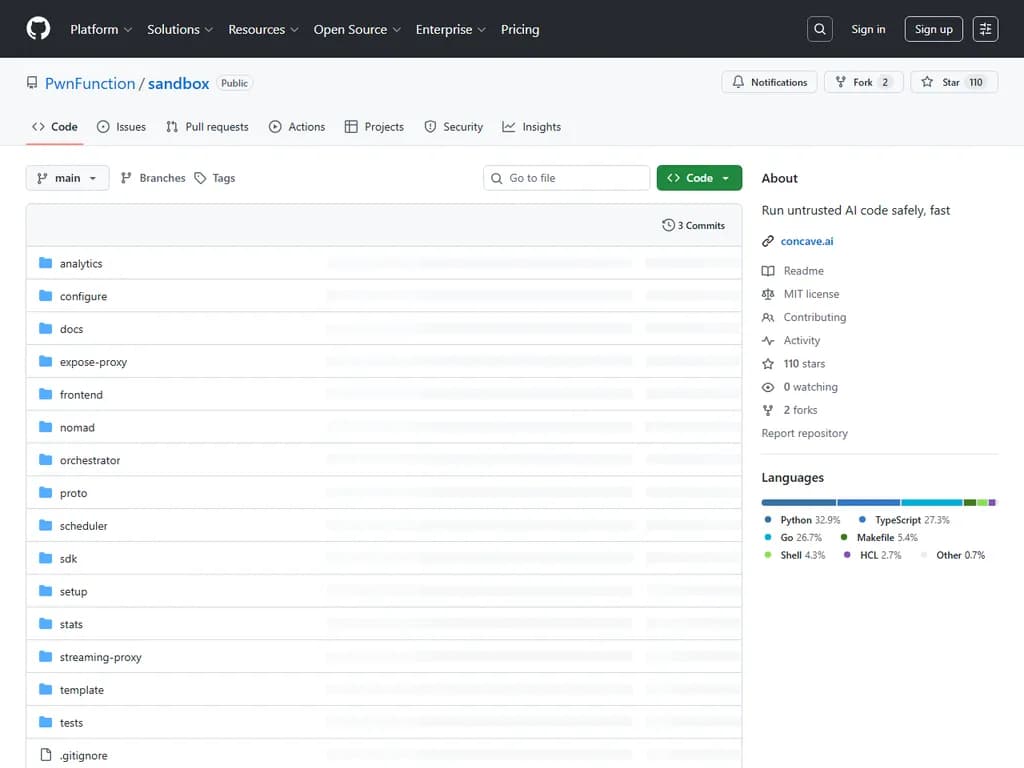
コードベースは標準的なPythonデスクトップレイアウトに従っており、`main.py`(Tk root)とUI・バックエンド・ユーティリティ・ビルドスクリプト(`build.bat`、`run.bat`)を含む `nullsplats/` パッケージで構成されています。データは `cache/inputs/<scene_id>` にソースファイルとメタデータを、`cache/outputs/<scene_id>` にSfM結果、スプラットチェックポイント、およびレンダリング結果をキャッシュします。
依存関係にはPython 3.10+、PyTorch CUDAビルドが必要なCUDA対応GPU、PATHにあるffmpeg/ffprobe、バンドルされたCOLMAPバイナリ(CUDA推奨)が含まれます。オプションとしてDA3(`pip install git+https://github.com/ByteDance-Seed/Depth-Anything-3`)とSHARP(`pip install -e tools/sharp`)をインストールできます。ポータブルWindowsバンドルは `build.bat` で生成され、`run.bat` を介して起動します。
既知の制限として、現在のビルドはWindows専用であり、実行ファイルサイズが約700 MBと大きいこと、サムネイルの失敗が時折発生すること、小さなレンダリングオフセットが現れること、およびffmpegがバンドルされていない点があります。将来のリリースではプラットフォームサポートを拡張しサイズを削減する可能性があります。
## Text to translate
```text
NullSplats is a Tkinter‑based desktop application that lets users train and view 3D Gaussian splat models from casual videos or image collections. The workflow starts by importing a video or folder of images; the app auto‑selects frames, runs COLMAP SfM to recover camera poses and sparse points, then trains splats with the PyTorch‑based gsplat library (exporting .ply/.splat checkpoints). Users can choose one of three pipelines—traditional COLMAP+gsplat, Depth Anything 3 (DA3), or SHARP monocular view synthesis—each offering different speed/accuracy trade‑offs. Training times on an RTX Pro 6000 Blackwell are roughly 5 min for gsplat, 3–4 min for DA3 (≈16 GB VRAM), and 2.5 min for SHARP.
The UI is organized into four tabs (Inputs, COLMAP, Training, Exports) with wizard flows for scene creation, frame extraction (`backend/video_frames.py`), SfM pipeline (`backend/sfm_pipeline.py`), and training loop (`backend/splat_train.py`). Rendering uses `ui/gl_canvas.py`, which wraps GaussianSplatViewer for live preview and SplatRenderer for offline renders; shaders reside in `ui/shaders/`.
The codebase follows a standard Python desktop layout: `main.py` (Tk root) plus the `nullsplats/` package containing UI, backend, utilities, and build scripts (`build.bat`, `run.bat`). Data is cached under `cache/inputs/<scene_id>` for source files and metadata, and `cache/outputs/<scene_id>` for SfM results, splat checkpoints, and renders.
Dependencies include Python 3.10+, a CUDA‑capable GPU with PyTorch CUDA build, ffmpeg/ffprobe on PATH, bundled COLMAP binaries (CUDA preferred), and optional DA3 (`pip install git+https://github.com/ByteDance-Seed/Depth-Anything-3`) and SHARP (`pip install -e tools/sharp`). The portable Windows bundle is produced by `build.bat` and launched via `run.bat`.
Known limitations are that the current build is Windows‑only, the binary is large (~700 MB), occasional thumbnail failures occur, minor rendering offsets may appear, and ffmpeg is not bundled. Future releases may expand platform support and reduce size.
```